

DataFlex is one of the most trusted development platforms for business-critical applications. However, even high-performing systems can experience issues. A DataFlex application may crash due to incorrect server configuration, memory issues, corrupted indexes, or runtime errors.
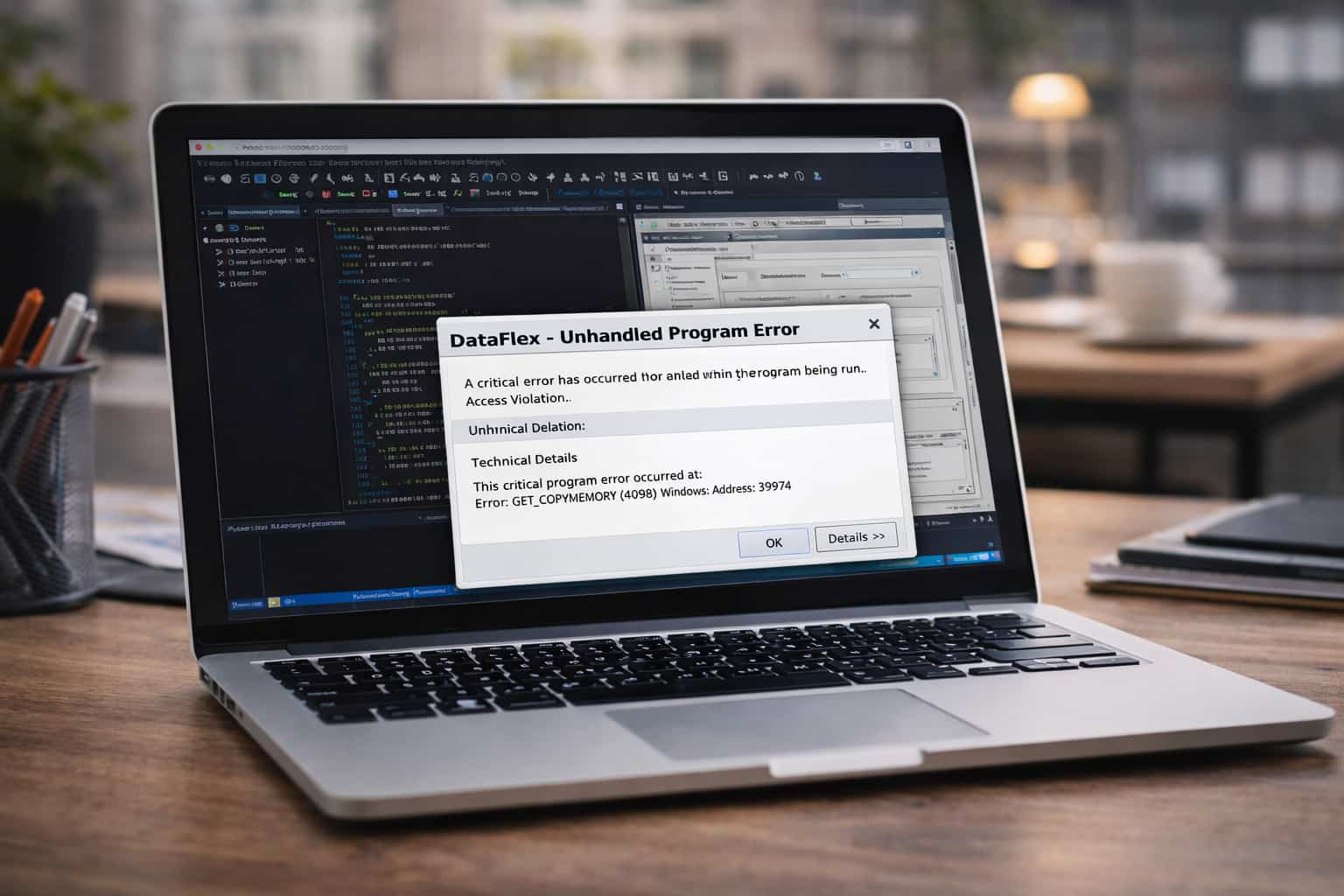
When a DataFlex application crashes, it can interrupt workflows and significantly impact both productivity and business operations. To keep environments healthy, teams must understand what causes DataFlex application crashes, how to prevent them, and how DataFlex troubleshooting works in practice.
Many IT teams and developers ask questions such as:
- Why does my DataFlex application crash?
- How do I fix DataFlex runtime errors?
The answers are rarely simple. Crashes are usually symptoms, not root causes.
Table of Contents
Why DataFlex Applications Crash
When DataFlex crashes, it usually means something has gone wrong from which the runtime cannot recover. The issue may originate in application code, server infrastructure, hosting configuration, or corrupted software components.
Understanding why a DataFlex application crashes makes repair and long-term maintenance significantly easier.
The most common causes of DataFlex application crashes include:
1. Memory Leaks and Resource Exhaustion
DataFlex applications can become unstable due to memory leaks. A memory leak occurs when a process does not properly release memory after completing its task. Over time, memory usage steadily increases until the runtime slows, freezes, or crashes.
Common contributors include:
- Loops that consume excessive memory
- Large database reads
- Excessive object creation
- Processes that are not terminated correctly
When ignored, memory leaks can cause crashes without obvious warning, which is why continuous monitoring is essential.
2. Insufficient or Inconsistent Exception Handling
Exception handling is a cornerstone of application stability. In DataFlex, unexpected events can occur during database writes, API calls, file operations, or user input validation.
If these events are not handled properly, they can escalate into runtime failures. Poor exception handling is one of the most common causes behind searches such as how to debug DataFlex runtime errors.
3. Corrupted DataFlex Files or Indexes
DataFlex applications rely on DF files, indexes, and related database structures. These components support queries, relationships, and core application logic.
File corruption can occur due to:
- Sudden power outages
- Hardware failures
- Incomplete writes
- Interrupted database operations
- Legacy data structures incompatible with newer versions
Corruption may remain hidden until the application attempts to read or write data, triggering a crash. Regular rebuilds and validation help prevent this.
4. Unstable Third-Party Integrations and Components
Modern DataFlex applications often integrate with:
- External APIs
- Windows DLL libraries
- Reporting tools
- Legacy systems
- Cloud-based services
If response formats change, latency increases, or components behave unpredictably, instability can propagate through the DataFlex runtime and cause crashes.
5. Session Log Limitations and Diagnostic Gaps
Effective session logging is critical for troubleshooting. In browser-based DataFlex environments, missing, oversized, or misconfigured session logs can make root-cause analysis extremely difficult.
When logs are unavailable or unusable, developers are left without visibility into what occurred prior to a crash.
6. Server, Hosting, or Environment Misconfigurations
Even well-written applications can fail in unstable environments.
Common environmental issues include:
- Server resource limitations
- Incorrect file permissions
- Outdated operating systems
- Misconfigured cloud hosting
- Incompatible DataFlex runtime versions
This is where professional DataFlex debugging services are often most effective.
How to Resolve DataFlex Runtime Problems and Crashes
Resolving DataFlex issues requires a structured, systematic approach.
1. Enable and Inspect Detailed Logs and Session Logs
Logs provide insight into application behavior at the time of failure.
Proper logging should capture:
- Function calls
- Stack traces
- SQL operations
- User session behavior
- System resource usage
These logs are essential when diagnosing crashes and debugging runtime errors.
2. Strengthen Exception Handling Throughout the Application
Strong exception handling prevents minor issues from crashing the entire system.
Consider:
- Global error capture mechanisms
- User-safe error messaging
- Retry logic for unstable operations
- Logging all exceptions before recovery
This approach increases resilience and transparency.
3. Perform Regular Database Integrity Checks
Corrupted indexes and damaged data files can lead to repeated failures.
Routine checks help identify:
- Abnormal record structures
- Broken indexes
- Orphaned data
- Failed transactions
Rebuilding DataFlex indexes is one of the most effective ways to resolve recurring crashes.
4. Identify and Fix Memory Leaks
If performance degrades over time before crashing, memory leaks are a likely cause.
Review code involving:
- Repeated loops
- Large record reads
- Temporary object creation
- Long-running calculations
Addressing memory leaks significantly improves long-term stability.
5. Verify Hosting, Environment, and Runtime Configurations
Repeated crashes often stem from unstable environments.
Verify that:
- Servers meet DataFlex hardware requirements
- File permissions allow safe read/write access
- Runtime and Studio versions align
- Integrations are compatible and current
A large percentage of persistent instability issues originate from infrastructure misconfiguration.
6. Seek Professional DataFlex Debugging Services
Complex crashes often require advanced diagnostic expertise.
Organizations frequently bring in a DataFlex error specialist who understands:
- DataFlex runtime architecture
- File structures and index dependencies
- Diagnostic tooling
- Legacy system behavior
This often leads to faster and more accurate resolutions.
Advanced DataFlex Troubleshooting Insights
Long-term stability requires proactive analysis, not just reactive fixes. Advanced steps include:
- Reviewing version control logs for recent changes
- Analyzing OS-level event logs
- Conducting regular stress tests
- Testing external integration failure behavior
- Monitoring abnormal memory usage
- Scheduling periodic data integrity validation
These practices strengthen overall DataFlex architecture.
When to Hire a DataFlex Error Specialist
If standard troubleshooting fails and instability persists, escalation is necessary.
Indicators include:
- Crashes under specific workloads
- Rapid memory growth
- Repeated index corruption
- Runtime errors only in production
- Instability during cloud migration
A DataFlex debugging specialist can identify root causes faster than generalist developers.
Fix DataFlex Application Crashes Faster with Wizmo
If your organization is experiencing frequent crashes or runtime instability, Wizmo provides tools, diagnostics, and experienced engineers dedicated to DataFlex environments.
Wizmo offers:
- Advanced DataFlex troubleshooting
- Runtime error analysis
- Crash prevention strategies
- Performance-optimized hosting
- Emergency support for critical failures
DataFlex remains one of the most reliable application platforms available, but like any complex system, it requires expert care when issues arise. With the right diagnostics and support, your DataFlex environment can be restored quickly and kept stable long-term.