
To keep up with the evolving digital ecosystem, it is now mandatory to build modern, responsive and high-performance web interfaces.
The 4D web client is a good solution that sits between desktop power and web flexibility, which developers are looking for. It is a powerful platform for building dynamic, scalable, and visually rich user experiences.
Of course, you can, if you have ever asked yourself, “Am I able to build a web client using 4D?” This doc will show you the steps to set up a web client using 4D, best practices for 4D responsive UI and demonstrate how 4D Web, REST APIs and the Web Component Library can help you create a modern, responsive and interactive app, backed with the Wizmo 4D web development services.
Table of Contents
What Is a 4D Web Client?
A 4D web client is a browser interface that links users to a 4D database or application. The 4D web clients provide access to your application from the web instead of a conventional desktop client. They are mobile-friendly, interactive and dynamic.
The 4D Web platform provides developers with strong tools and technologies, including.
- REST APIs for smooth data communication.
- Libraries of Web Components for building modular and reusable UI components.
- 4D LIA could interface with the advanced-level front-end.
- Instruments for designing frames in a fluid manner.
- Developers can use this to build applications that look great on desktops, tablets, and mobiles.
Why Build Web Clients in 4D?
The 4D environment has progressed significantly from when it started as a database. Due to its modern web capabilities, it is ideal for organisations looking for applications that are flexible and connected.
Key Benefits of Building a 4D Web Client
- Get to market quicker with the fast design, test, and deploy process.
- It is easy to use built-in REST APIs to connect to outward services and systems.
- Responsive Design: The toolkit offers a 4D interface response with consistency in design.
- Scalability: Manage everything from small dashboards to enterprise portals.
By default, 4D offers robust authentication, encryption and access based on user role.
Alongside, Wizmo offers 4D web development services that allow your team to connect with experts who can convert your 4D application to secure browser-based applications.
How to Build a Web Client with 4D
Many developers want to know how to create a web client with 4D. The roadmap below will help you build your own plan from scratch.
- Determine How User Interact With the Application
- Ensure that your core database and business logic are inside the 4D Server. Make particular functions available through 4D LIA for later use by your web client.
- Understanding 4D LIA for Smarter Integration.
The 4D LIA plays a vital part in linking your front-end and back-end logic. This enables developers to make methods and data structures directly available to the web layer without middleware.
It helps integrate the front-end much faster, cleaner and safer. By leveraging 4D LIA efficiently, 4D web client development can be more efficient, API overhead can be reduced, while maintaining a single source code that is easier to scale and debug.
Turn on REST API Features
Afterwards, set up 4D REST APIs to communicate between the front end and the back end. Example endpoints:
- GET /rest/Customers.
- POST /rest/Orders.
These endpoints allow your 4D web client to exchange data dynamically and securely. Using a UI component library to assemble your front-end.
Select a front-end framework, such as React, Vue, or Web Components. The 4D Web back end is REST-connected, while the UI interactivity is managed by the libraries.
At Wizmo, the developers focus on integration at the front end, that is, connecting the 4D web client logic with modern frameworks to create seamless component-based user interfaces.
Create an interface with four dimensions for responsiveness.
A 4D responsive interface means your layout will adapt to any screen. Make use of CSS frameworks such as Tailwind and Bootstrap.
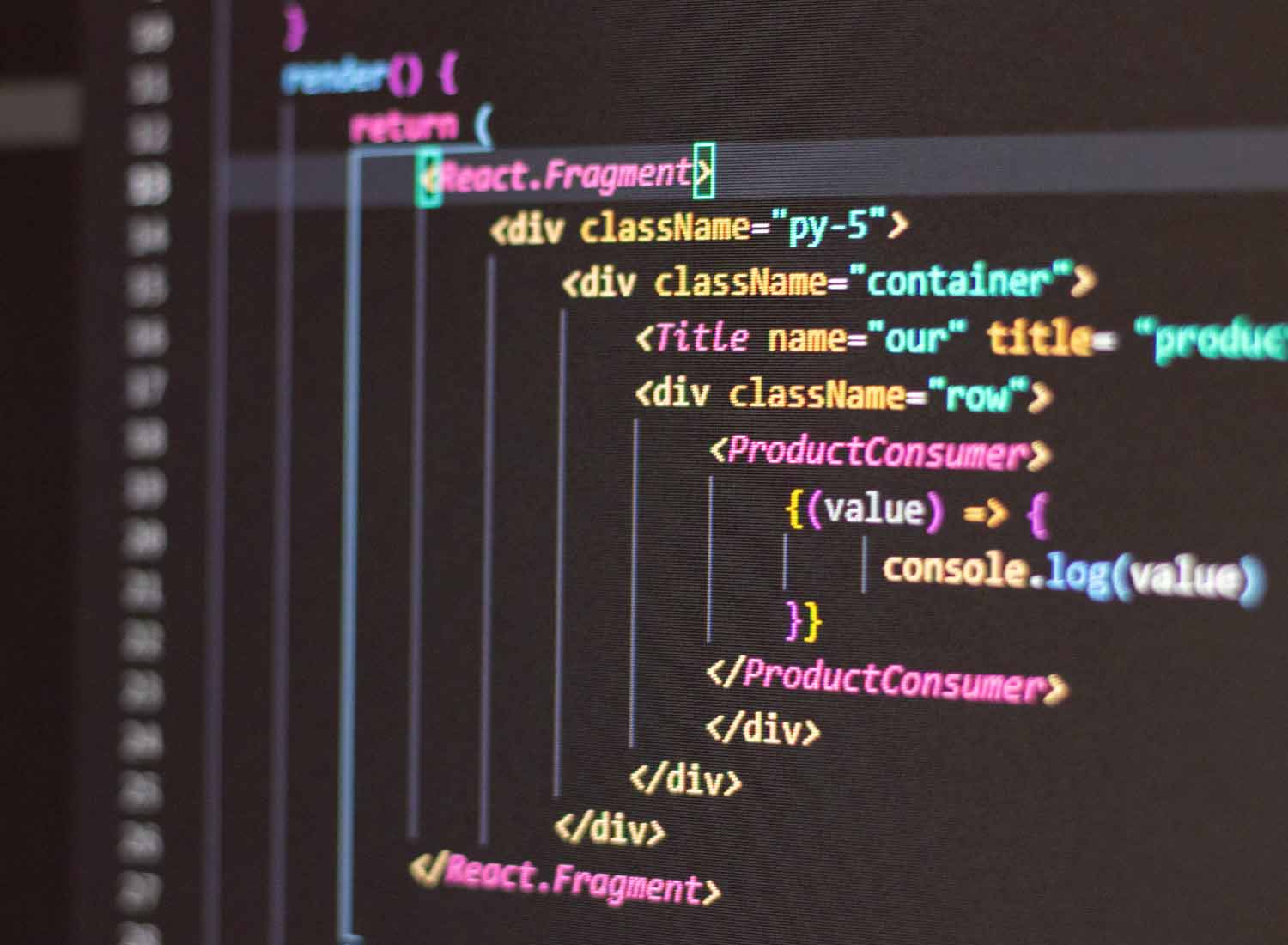
Are you asking yourself how to make responsive UIs in 4D? Fluid grids, flexible media queries and reusable components that can accommodate any device.
Improve Performance and SEO in Step 5.
2025 must be optimised. As such, ensure your 4D web client adheres to these recommendations.
- Cache frequent REST API responses.
- Compress and minify CSS, JS, and images.
- Use descriptive metadata and structured schema markup.
- Check Accessibility using WCAG 2.2
- Test your Core Web Vitals for speed and interactivity.
Using these best practices for 4D responsive UI improves performance as well as SEO visibility and user engagement.
Optimizing Your 4D Web Client for SEO and Performance
In 2025, search algorithms will be ranked by experience, accessibility, and technicality. To help your 4D web client rank higher and perform better.
Use schema markup so Google can read your site better and understand its content easily.
- Use lazy loading for big media files so the page loads faster.
- Monitor API latency to ensure fast data responses.
- Make Sure to Secure Data with HTTPS and Modern Authentication.
- Make sure integration doesn’t cause render or interactivity blocking.
If you mix the performance tools of 4D with SEO of today, you can create a 4D web client that is very good both technically and visually.
Best Practices for 4D Responsive UI: For a 4D responsive interface, a design should be adaptable, speedy, and reachable.
The Best Design Principles are Given Below for 2025
- UI block development in a component-first approach.
- When designing a product or service, think about mobile first and the desktop later.
- Dynamic Data Loading: Fetch what you need by using REST APIs.
- In-the-moment username feedback (e.g., loading, available, error states)
- Ensure compliance with WCAG 2.2 and ARIA roles.
Wizmo’s 4D web development services are based on these best practices that help us build every 4D web client to perform well on any device.
Integrating REST APIs in Your 4D Web Client:
- The data communication inside any 4D web client is managed through REST APIs. They make it easy to: Retrieve, update, or delete records in real time.
- Sync information with other systems like payment gateways or CRMs.
- Maintain consistency across web, desktop, and mobile apps.
- If the front-end integration is well made, the user experience will seem fast, seamless, and reliable, regardless of how complex the back end might be.
Future-Proofing Your 4D Web Development with Wizmo.
4D stays in tandem with the web evolution at a faster-than-ever pace, which includes REST API and a developer ecosystem with the latest technologies. No matter if you’re making a client portal, an internal dashboard, or a full-blown SaaS app, the 4D web client will offer the flexibility, scalability, and longevity to help you look further into the future.
- Wizmo’s 4D web development team creates your project on a long-lasting foundation to prepare for the future.
- Wizmo helps to create a modern, secure, and reliable solution that scales with your business, from system architecture to deployment and performance optimization.
Check out Wizmo’s 4D Web Development Services if you want to develop your 4D app for the web. Partner with a team that knows what makes a fantastic experience exciting and functional.