

Choosing the right architecture for VB and Access systems has become one of the most important decisions organizations must make as they maintain or modernize their legacy applications. For decades, developers deployed Microsoft Visual Basic systems using a single, combined Access file. It worked, mostly, because networks were simpler, user counts were low, and Jet-based systems weren’t under the pressure they face today.
This article explains the differences, benefits, risks, and how to decide which architecture fits your Visual Basic and Access environment today.
Table of Contents
Understanding the Core Decision:
Split Access Database or Combined File?
The primary debate, split or combined Access architecture, comes down to how Jet handles data. Jet is a file-based engine, not a server-based engine. That means every request your VB code makes is processed directly against a file rather than a database server.
Because of that, the architecture you choose determines how traffic moves, how much data flows across the network, and how reliably files behave under stress.
The Combined Architecture
A combined architecture places everything into a single .mdb or .accdb file, including:
- All Access tables and data
- Embedded Access objects
- Logic connected to the VB front-end
This was the default approach for years because it was simple to deploy: copy the file, run the VB app, and you’re done. However, combined architecture depends entirely on file-based sharing, which exposes the system to corruption, locking failures, and performance degradation when more than one user is involved.
For single-user or isolated workstation environments, a combined Access file may still work. Once multi-user VB file sharing is introduced, this architecture quickly becomes a bottleneck.
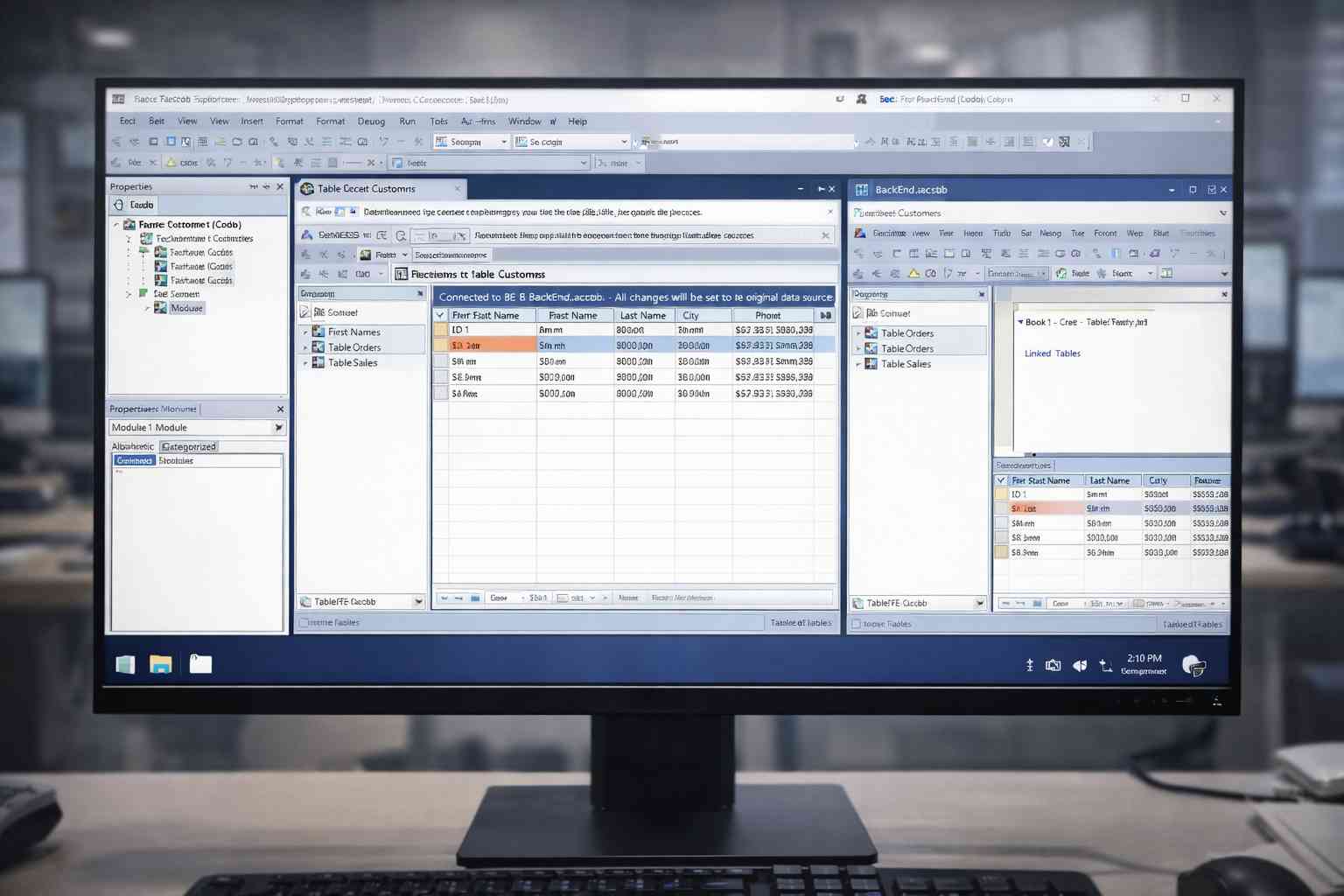
The Split Architecture (Front-End / Back-End)
A split Access database separates program logic and user interface from the actual data:
- Back-End (BE): tables, indexes, and stored data
- Front-End (FE): forms, queries, modules, and linked tables
Your VB application interacts with the FE or directly with linked tables, depending on how it is coded.
This FE/BE structure reduces risk, improves performance, and aligns with established best practices for Jet deployment. It also forms the foundation for modern hosting and cloud strategies.
This decision is commonly tied to search questions such as:
- Should my VB app use a split Access database?
- What’s the best Jet deployment setup?
In most production environments, the answer points clearly toward a split architecture.
Why Split Architecture Usually Wins for VB and Access Systems
The primary reason split architecture is recommended is simple: Jet behaves more predictably when the data file is isolated. There are also deeper technical advantages that matter to any VB developer.
Dramatically Reduced Corruption Risk
Jet database corruption often occurs when multiple users open a single file and a network interruption occurs, or when excessive data must be transmitted.
With a split architecture:
- Only the BE handles data operations
- The FE reduces file traffic
- VB file sharing becomes more predictable
This separation is one of the most effective Jet structure optimization strategies available.
Improved Performance for Every VB User
In a combined file, Jet must push large datasets across the network. With a split database, the FE processes more logic locally, reducing BE load and network traffic.
This often eliminates long-standing, unexplained performance slowdowns.
Easier Updates, Deployment, and Version Control
With a combined file, updating logic requires replacing the entire database. In a split architecture, you deploy updated FE files without touching the BE. This greatly simplifies maintenance, especially during audits or modernization efforts.
Essential for Remote, Cloud, and Hosted Environments
As organizations move toward secure, managed hosting, such as solutions available through Wizmo, split architecture becomes essential. Cloud and hybrid environments cannot reliably support full file-based Access sharing. A split design reduces risk and enables stable, scalable hosting.
Supports Long-Term Sustainability of VB Applications
Many organizations maintain VB systems for 10–20 years. A split architecture helps protect that investment by reducing maintenance effort, improving database health, and aligning with future migration paths.
When a Combined Access File Still Makes Sense
Despite the advantages of splitting, there are valid cases where a combined architecture may still be appropriate:
- Single-user applications with no network access
- Standalone workstations
- Short-lived internal utilities
- Very simple systems with infrequent updates
In these scenarios, Jet does not experience concurrency stress. As systems evolve, however, these advantages often disappear.
How VB File Sharing Influences the Architecture Decision
Visual Basic applications interact with Access using DAO, ADO, or ODBC. Regardless of the method, Jet processes all operations at the file level.
This means:
- Queries pull data across the network
- Multi-user writes can conflict
- Network interruptions threaten file integrity
A split Access database alleviates much of this by isolating the BE and reducing locking conflicts. This is why developers researching whether to split an Access backend for VB almost always conclude that splitting improves stability.
Should My VB App Use a Split Access Database?
Unless your system is strictly single-user or offline, a split architecture is typically the safest long-term choice. It improves reliability, supports modernization, and reduces corruption risk.
If your VB application experiences:
- Random slowdowns
- Locking warnings
- Corruption during multi-user operations
- Heavy network traffic during queries
…the underlying architecture is likely the root cause.
How Wizmo Helps with VB and Access Architecture Decisions
Wizmo specializes in:
- Hosting VB + Access systems in optimized environments
- Eliminating corruption caused by traditional file sharing
- Providing secure, scalable infrastructure for Jet applications
- Supporting modernization while preserving legacy functionality
If you’re deciding whether to remain with a combined file or move to a split Access architecture, Wizmo can provide guidance tailored to your application and usage patterns.
Making the Right Choice for VB and Access Systems
When choosing between split and combined architectures, the deciding factors are rarely convenience; they are reliability, performance, and longevity.
A combined file may work for simple scenarios, but for most organizations, it cannot support real-world usage. A split Access database delivers a more stable foundation for multi-user VB systems and future modernization.
If you’re ready to stabilize your application, optimize your Jet deployment, or explore hosting options, Wizmo is well positioned to help guide your next step.